Upload a photo of your signature
Take a photo of your signature on paper and use it on the document.
Type, draw or upload your signature and put it where you need it.
Up to 50 MB
By uploading a file you agree to the Terms and the Privacy Policy.
Upload your PDF.
Create your signature or use the one you saved in this browser.
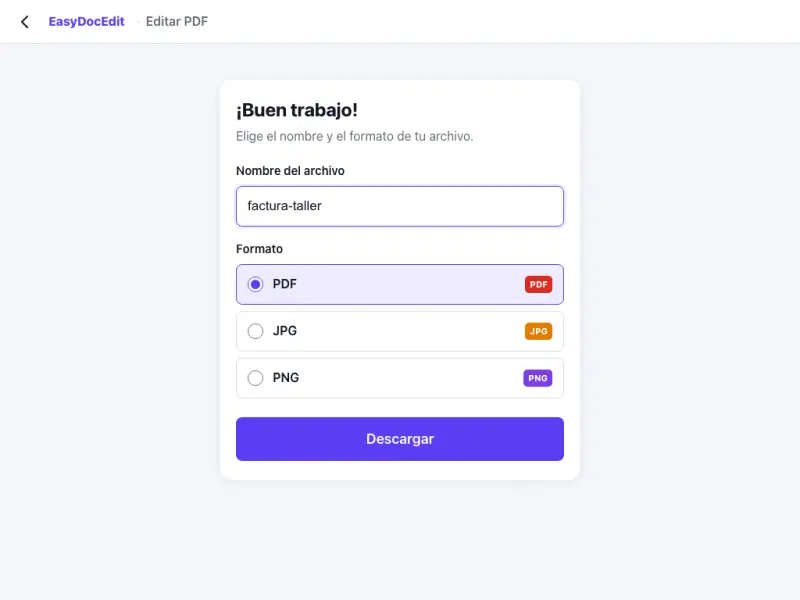
Place it, tap «Done» and download your signed PDF.
Take a photo of your signature on paper and use it on the document.
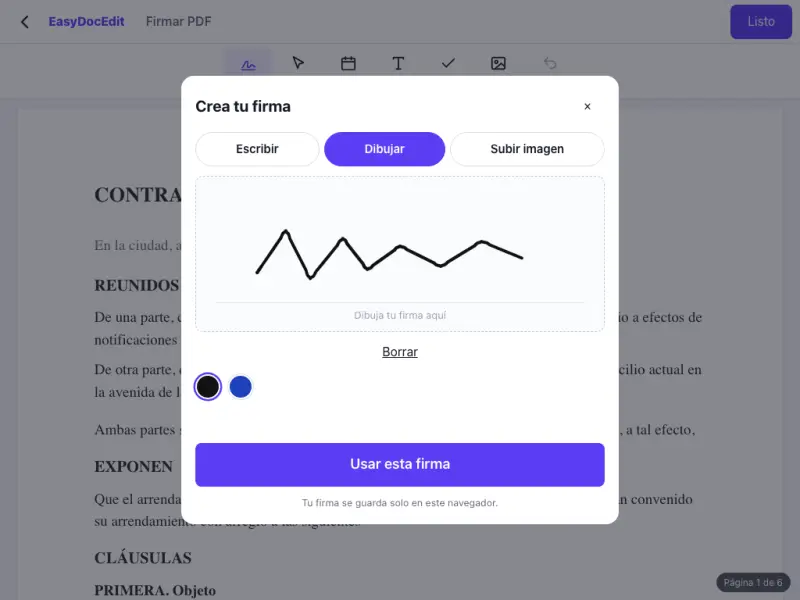
Sign with your finger on your phone or with the mouse on your computer.
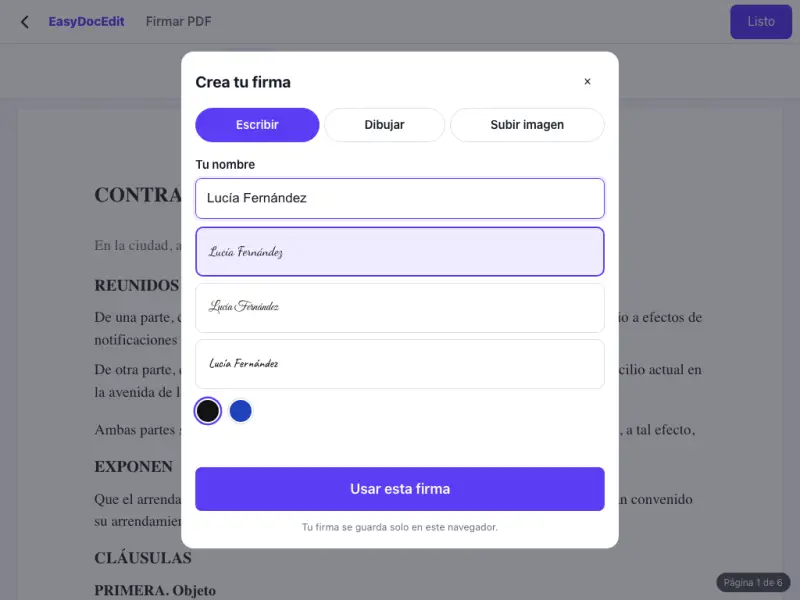
Type your name and choose a signature-style font.
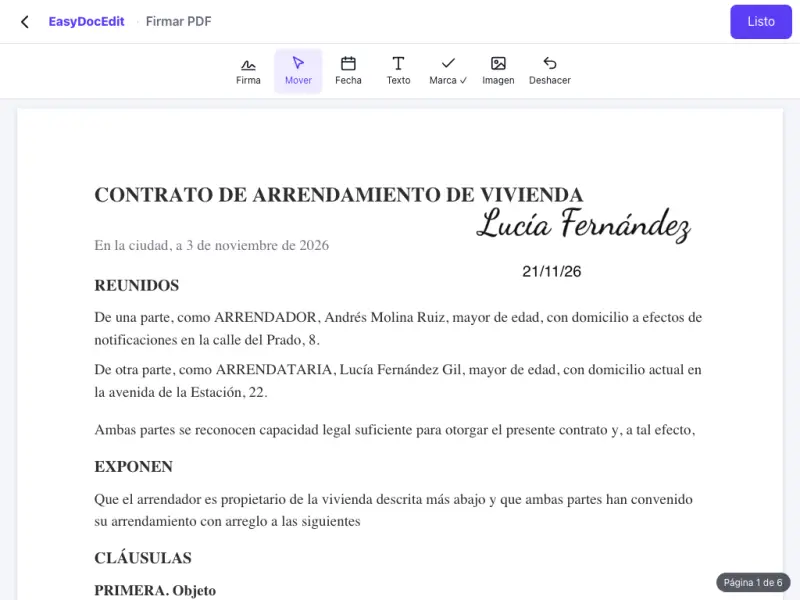
Make the signature bigger or smaller so it fits on the line.

Your signature is remembered in this browser, without being stored on our servers.
Works in the browser on your phone or computer.
Up to 50 MB
No. It is a simple electronic signature: the image of your signature placed on the PDF. It is not a certificate-based digital signature, such as a qualified signature or a government digital ID.
Sign on a sheet of white paper, take a photo and upload it. You can crop it and adjust its size on the document.
Yes. Place it on every page you need.
The signature becomes part of the page in the PDF you download, just like the rest of the content.
Only in your browser, for next time. It is not stored on our servers.
Yes, it works in the browser on your phone and tablet.