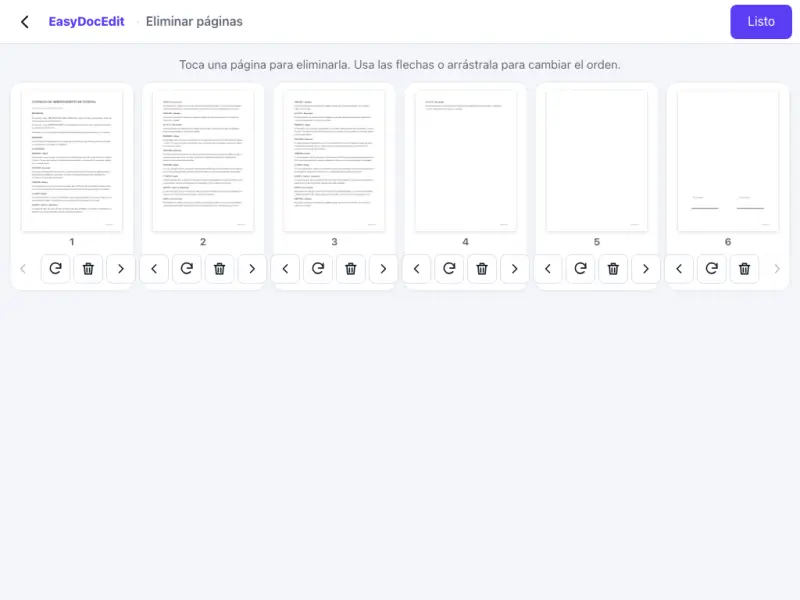
Delete in one tap
Remove blank pages or the ones you do not want to send.
Remove the pages you do not need, rotate them or change their order.
Up to 50 MB
By uploading a file you agree to the Terms and the Privacy Policy.
Upload your PDF.
Delete, rotate or move pages in the thumbnails.
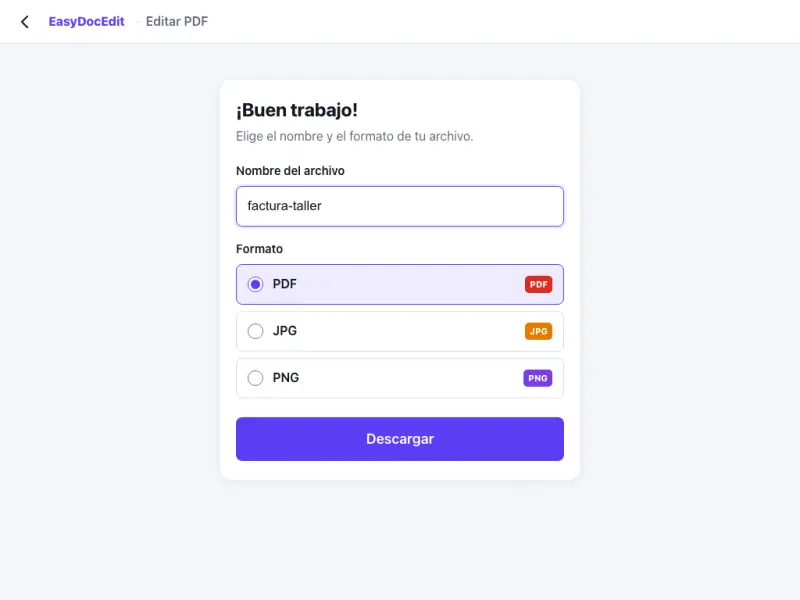
Tap «Done» and download the cleaned-up PDF.
Remove blank pages or the ones you do not want to send.
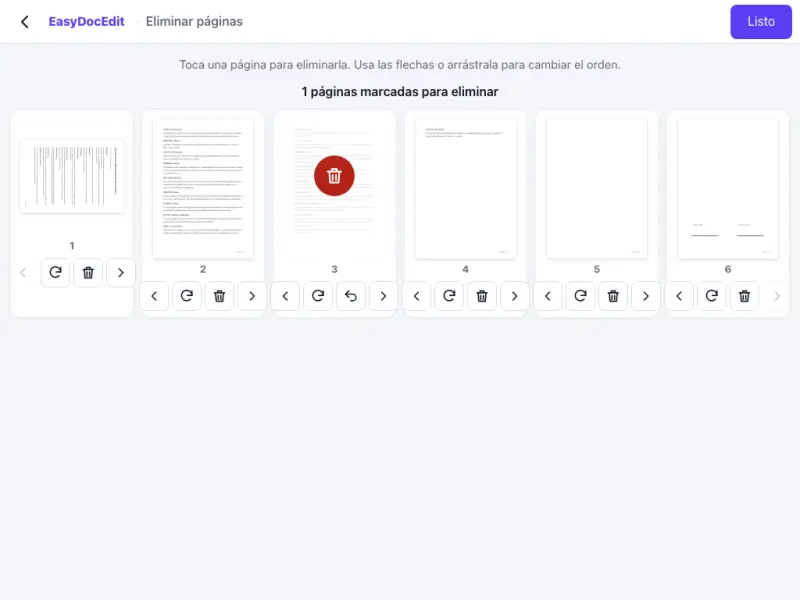
Fix scanned pages that are upside down or sideways.
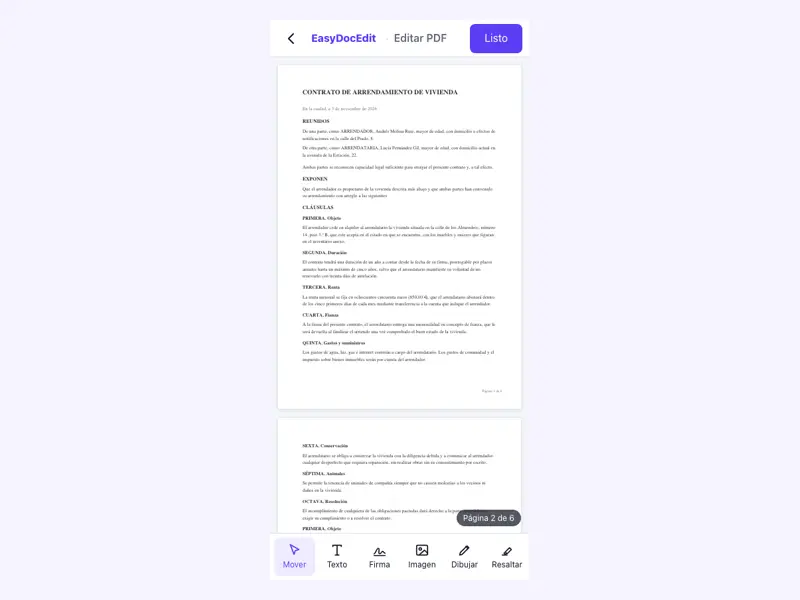
Drag pages until each one is in the right place.
Thumbnails show you how the document will look.
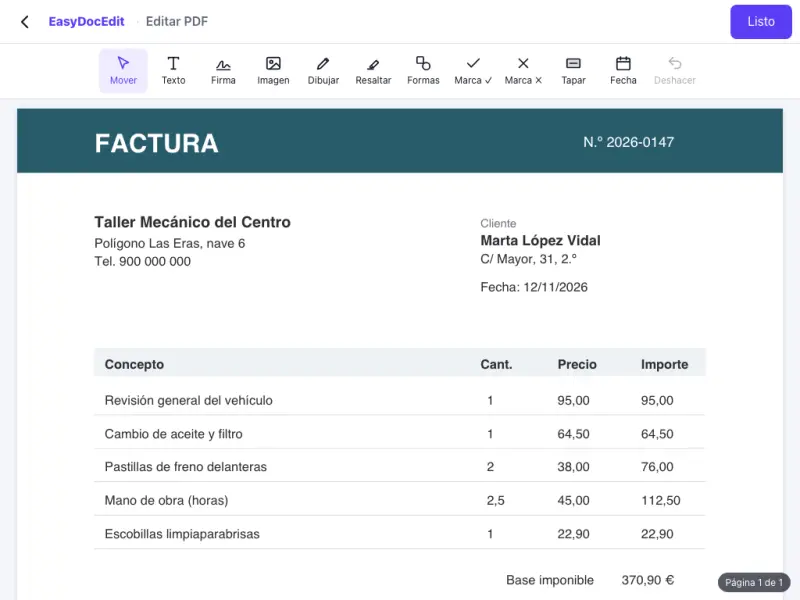
The pages you keep stay exactly the same.
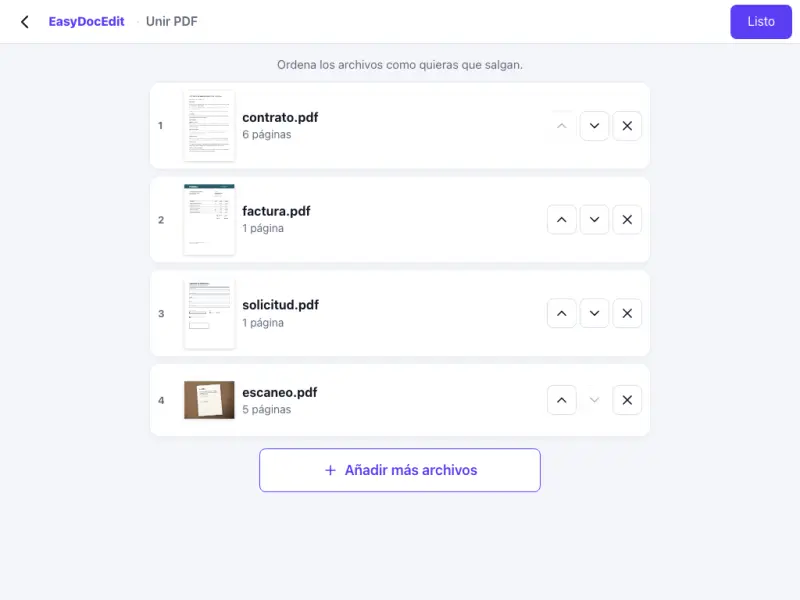
Nothing to install, on your phone or computer.
Up to 50 MB
Upload the PDF, tap the page you do not need and choose delete. Then tap «Done» and download the file.
Yes. Select all the pages you want to remove and delete them in one go.
Yes. Each page can be rotated on its own.
No. You download a new PDF and the original stays the same.
Up to 50 MB per file.