No printing
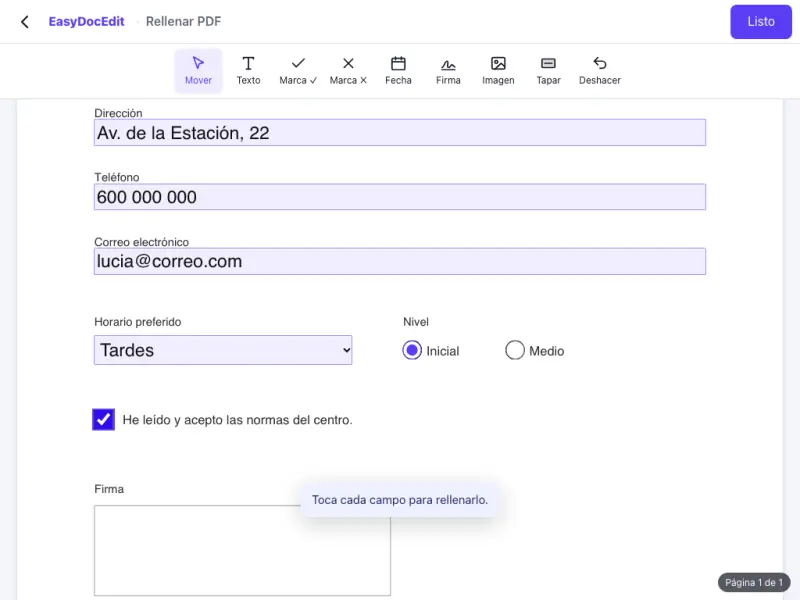
Complete the form on screen and save it filled in, with no paper and no scanner.
Type in the fields, tick boxes and add the date. No printing.
Up to 50 MB
By uploading a file you agree to the Terms and the Privacy Policy.
Upload the PDF form.
Type in the fields, tick the boxes and add the date or your signature.
Tap «Done» and download the completed form.
Complete the form on screen and save it filled in, with no paper and no scanner.
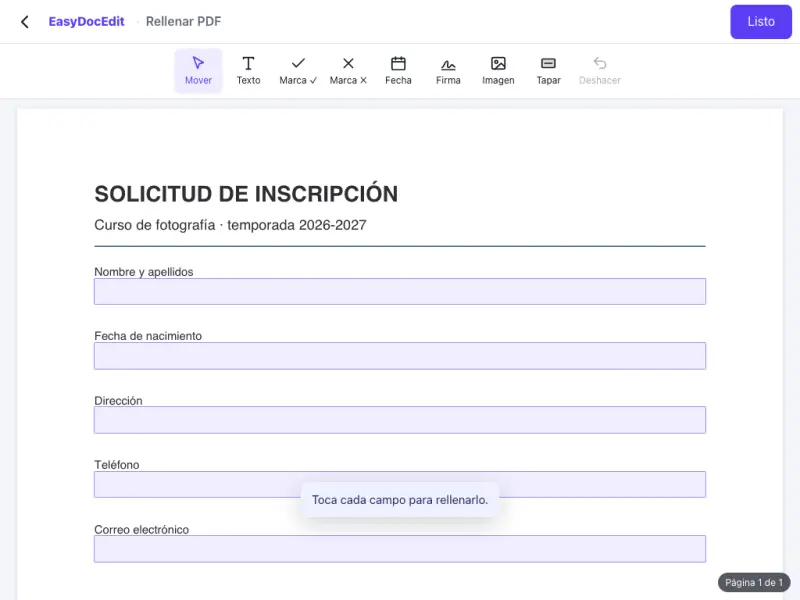
If the PDF has form fields, just tap each one and type.
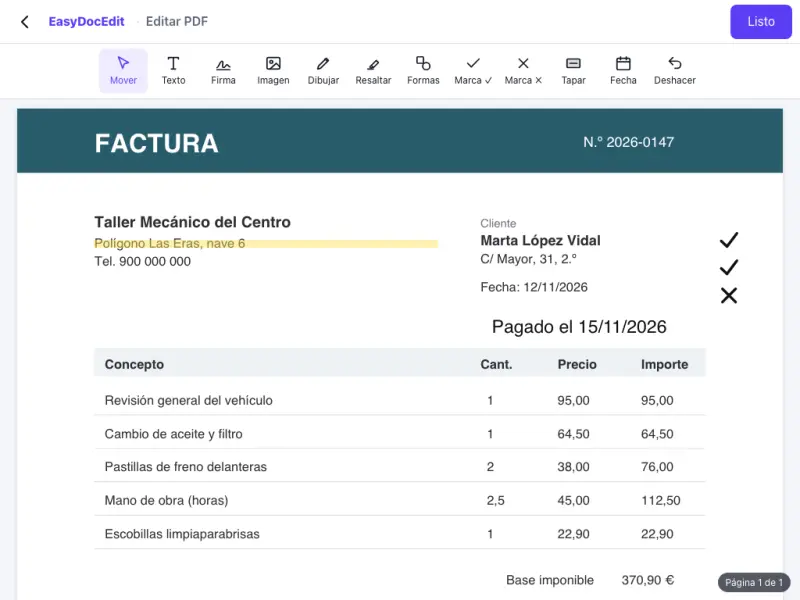
If the document has no fields, type directly wherever you need to.
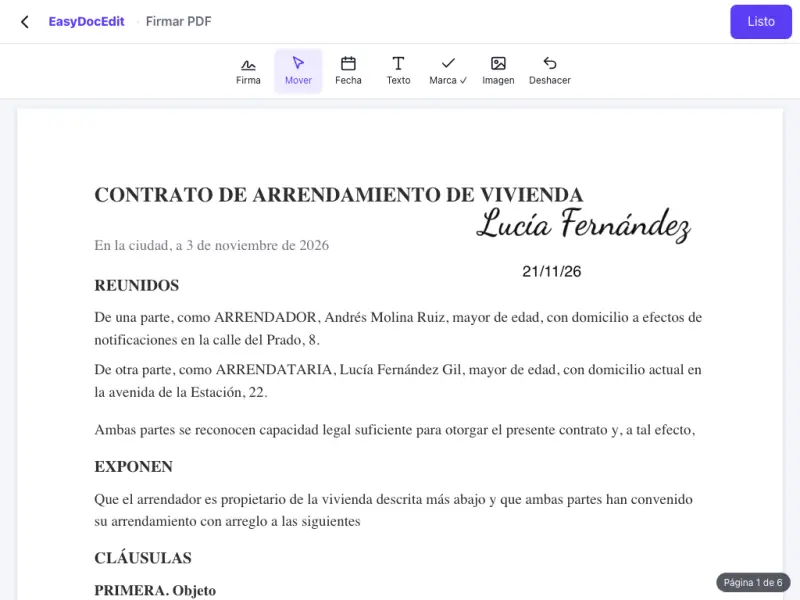
Tick ✓ or cross ✗ and add the date in one tap.
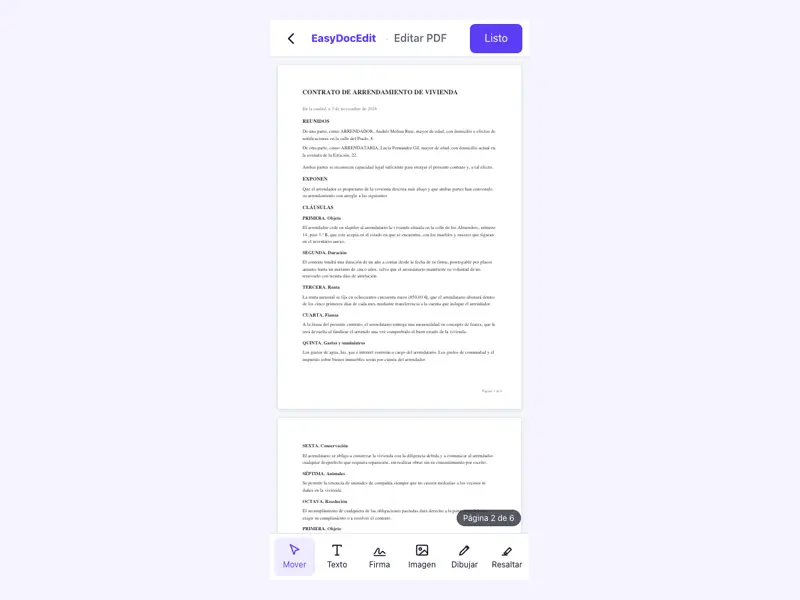
Add your typed, drawn or image signature at the end of the form.
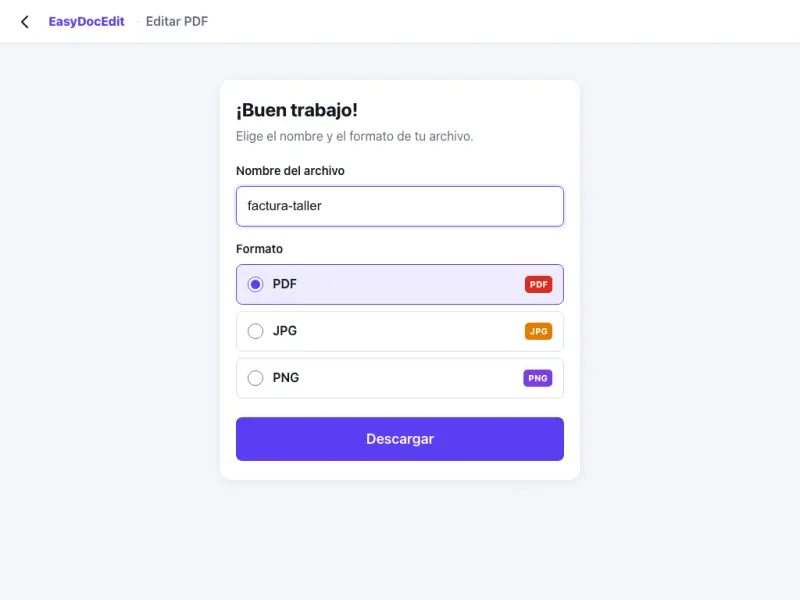
Works the same on your phone as on your computer, with no apps.
Up to 50 MB
Tap anywhere on the page and type. You can move the text and resize it until it fits in place.
Yes. What you type stays inside the PDF you download and shows in any PDF reader.
Yes. Create your signature by typing it, drawing it or uploading an image, and place it where it belongs.
No. Everything happens in your browser.
While you fill in the form, it stays in your browser. When you download it, we keep a private copy for a limited time and then delete it. The time limits are in the Privacy Policy.
Up to 50 MB per file.