Keep only what you need
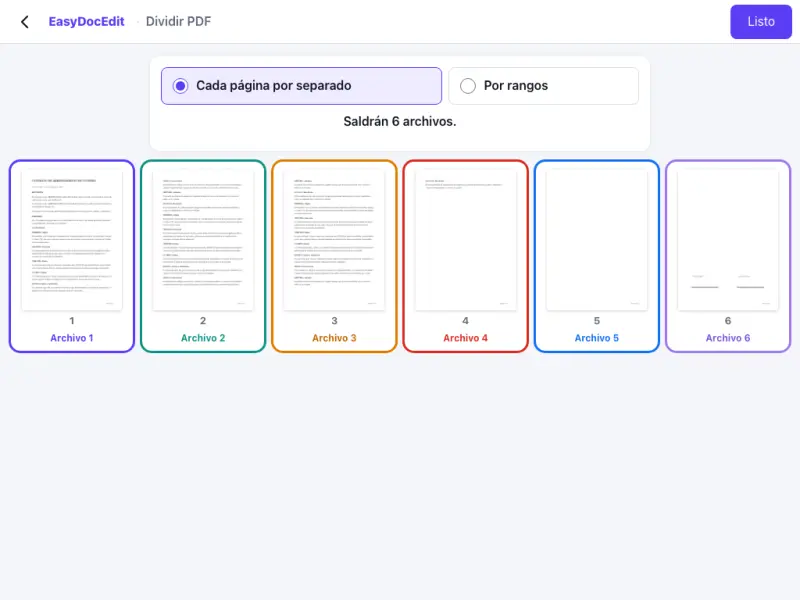
Take a single page or a range, without the rest of the document.
Choose the pages you want and separate them into new files.
Up to 50 MB
By uploading a file you agree to the Terms and the Privacy Policy.
Upload the PDF you want to split.
Select the pages or page ranges you want to separate.
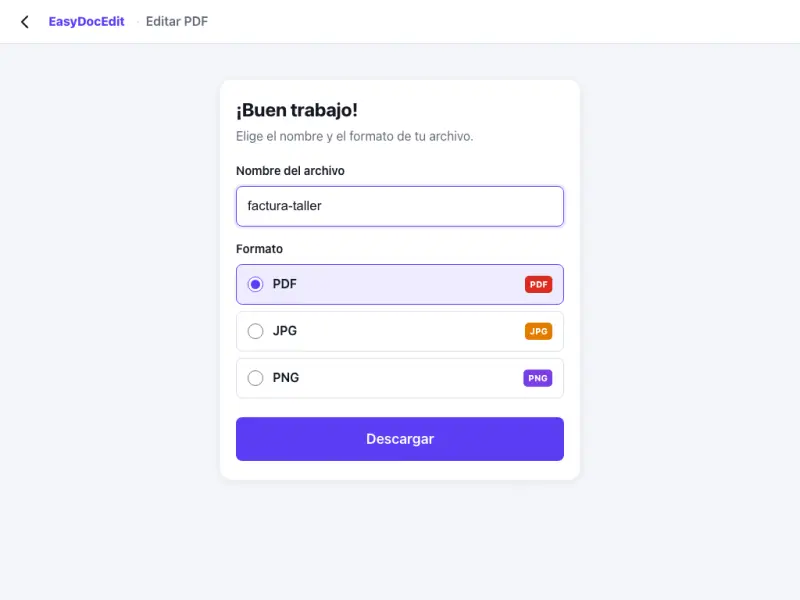
Tap «Done» and download the files.
Take a single page or a range, without the rest of the document.
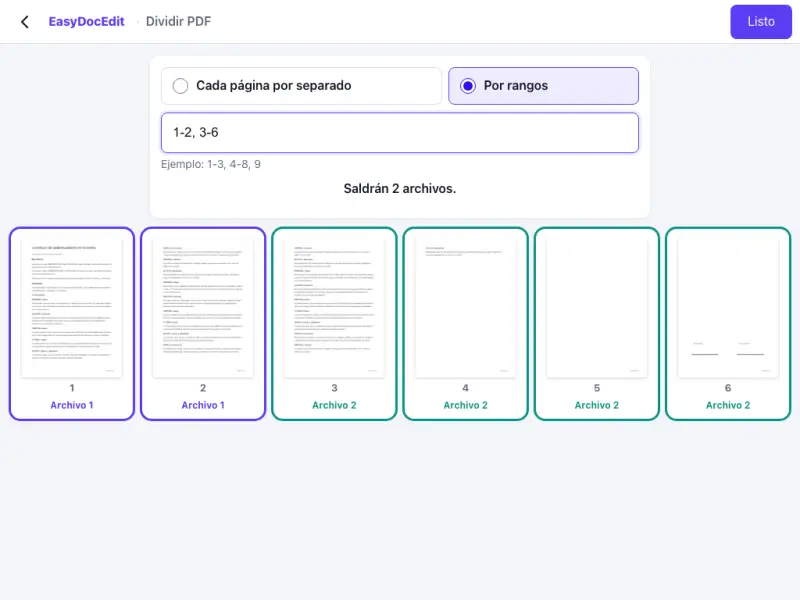
Split the document into several parts, for example pages 1 to 5 and 6 to 10.
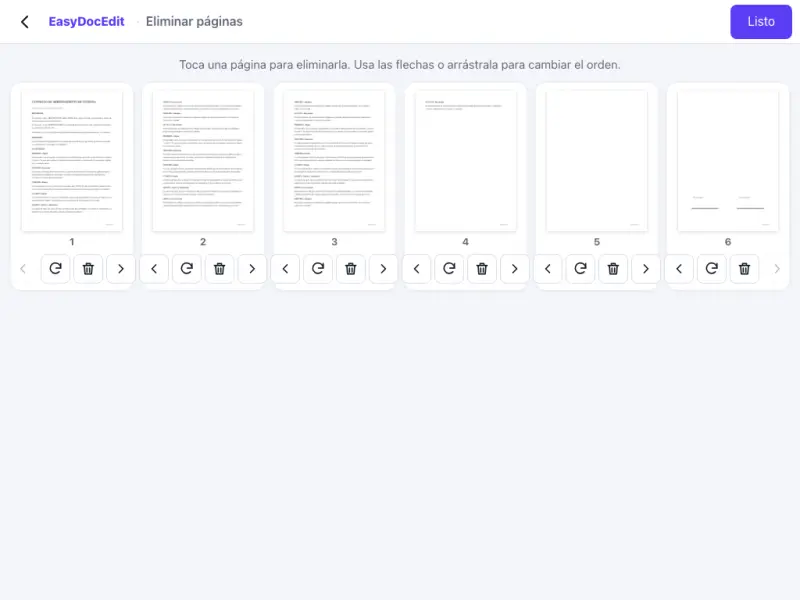
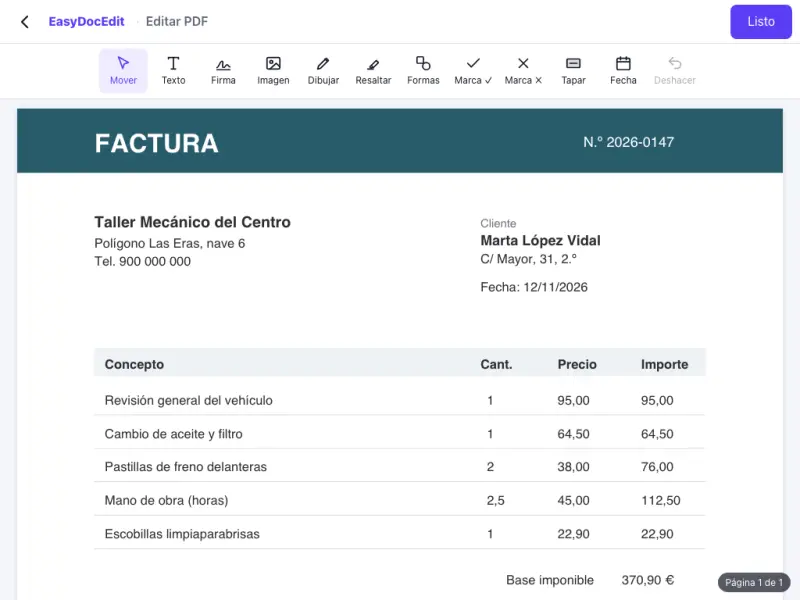
Thumbnails help you choose without mistakes.
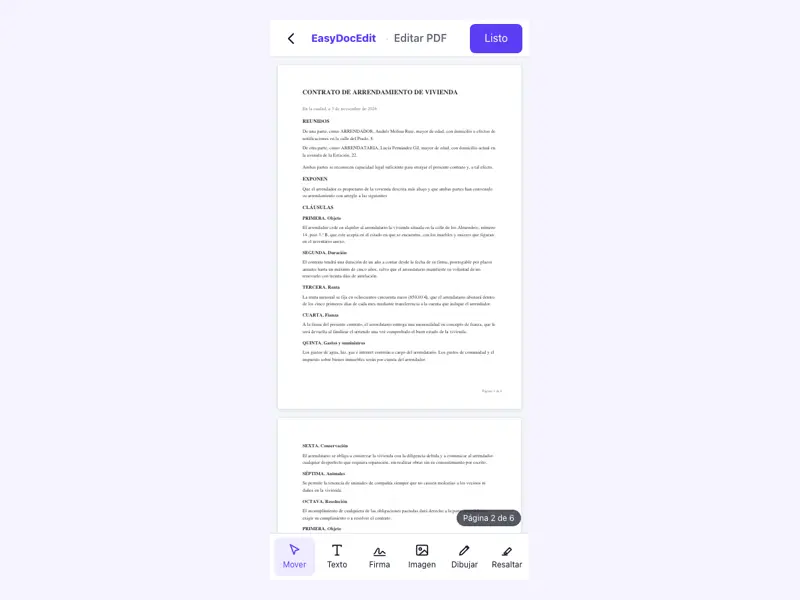
Pages are copied exactly as they are, with no loss of sharpness.
Everything happens in your browser.
Phone, tablet or computer.
Up to 50 MB
Yes. Select that page and download it as a new PDF.
Yes. Choose the page ranges and each one will come out as a separate file.
No. Your original file stays the same: what you download are new files.
No. The pages are copied exactly as they are.
Up to 50 MB per file.