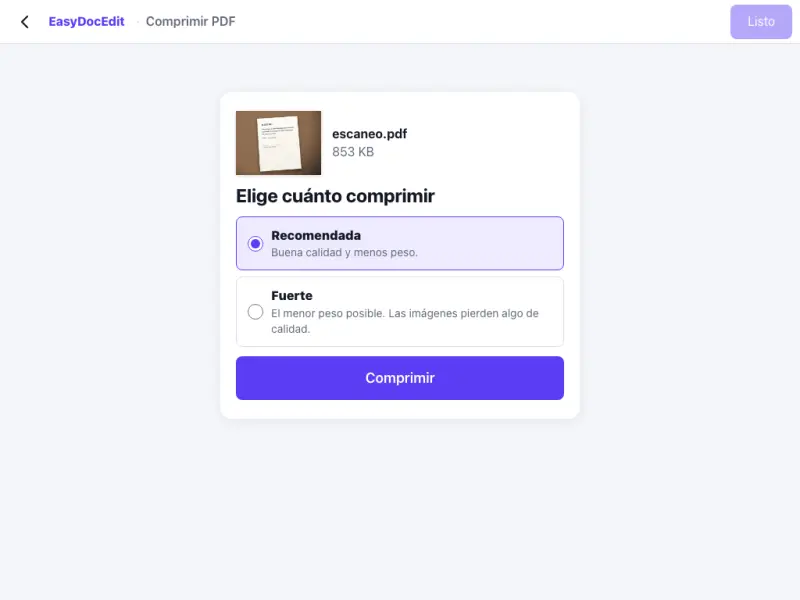
Send it without trouble
Get your PDF under the size limit of your email or the website where you need to upload it.
Make your PDF smaller so you can send or upload it without trouble.
Up to 50 MB
By uploading a file you agree to the Terms and the Privacy Policy.
Upload the PDF that is too large.
Wait a few seconds while it is reduced.
Check the new size and download your PDF.
Get your PDF under the size limit of your email or the website where you need to upload it.
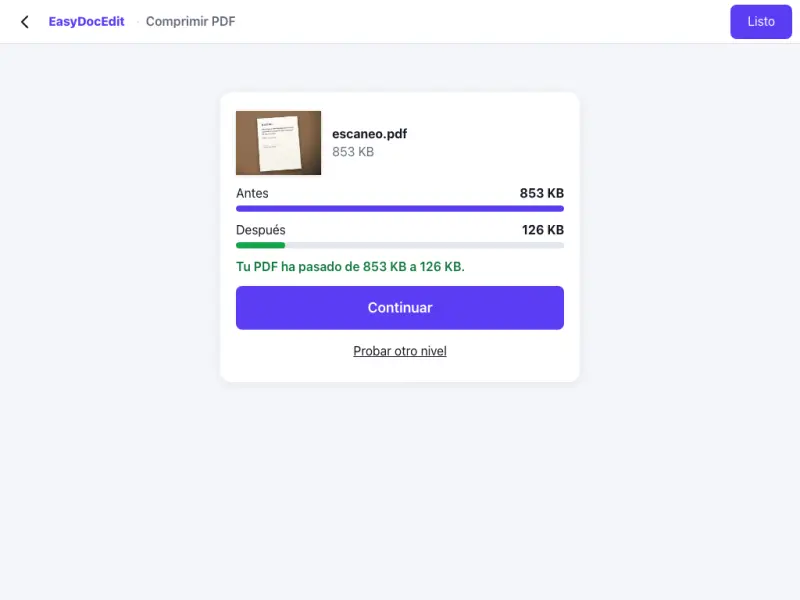
We show you the size before and after, measured on your own file.
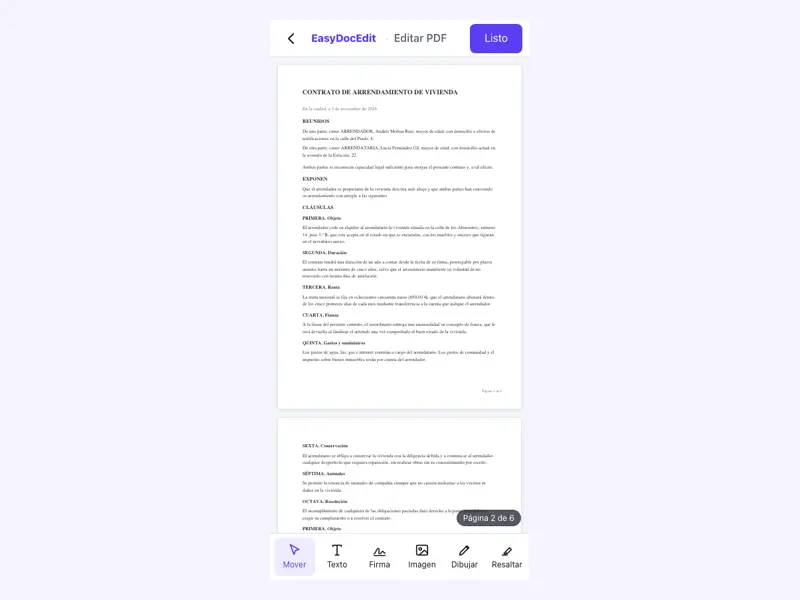
It is mostly the images inside that are reduced; the text stays sharp.
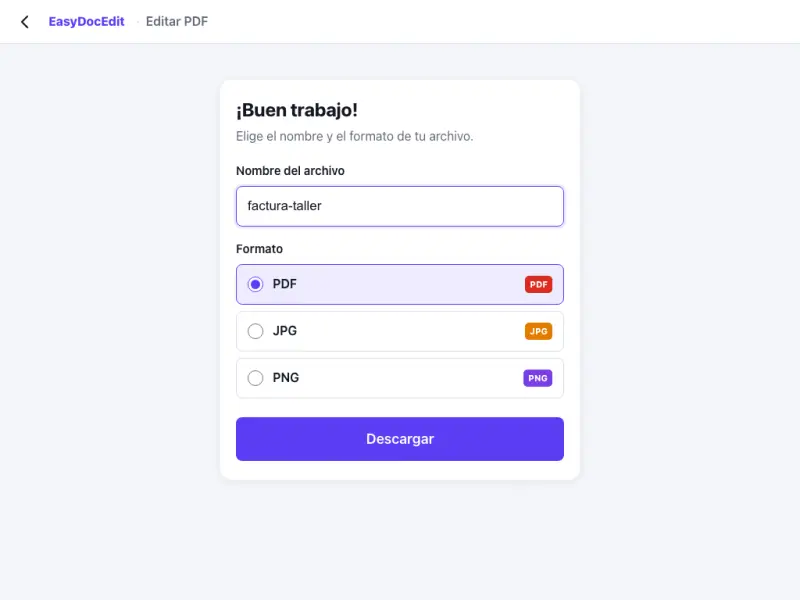
The file is compressed on your own device.
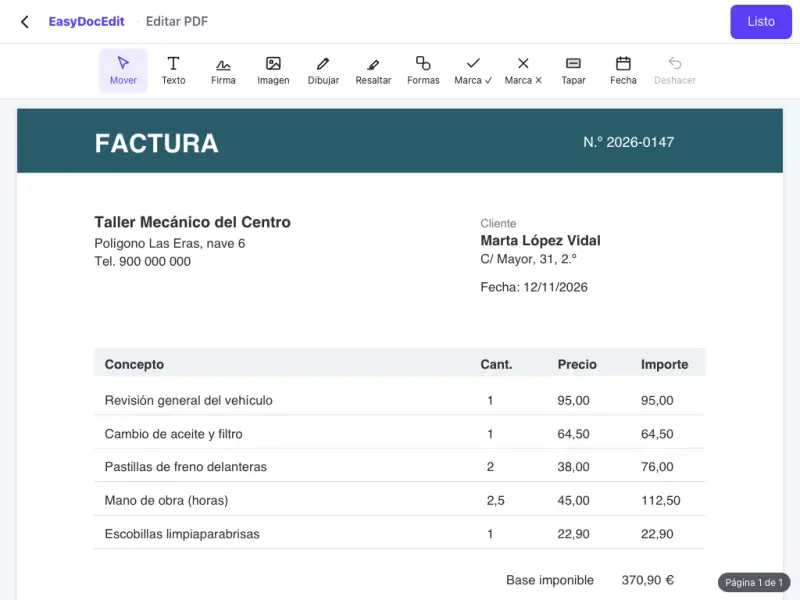
No software needed.
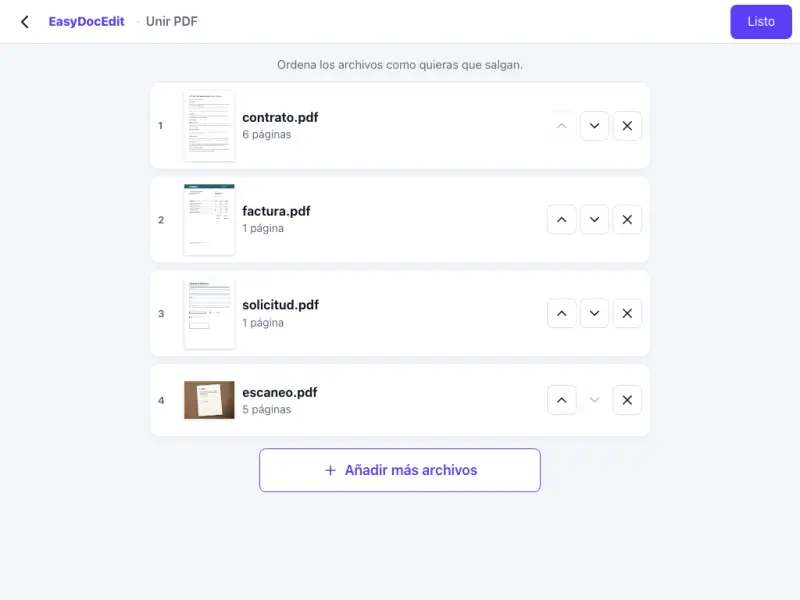
Compress the PDF on your phone before you send it.
Up to 50 MB
It depends on the file. PDFs with lots of photos or scans shrink more than ones with only text. When it is done, you will see the size before and after.
We will tell you on screen, so you do not download a file that is the same as the one you already have.
The text stays sharp. Images lose a little resolution, just enough to make the file smaller.
Up to 50 MB per file.
No. It is done in the browser on your phone or computer.