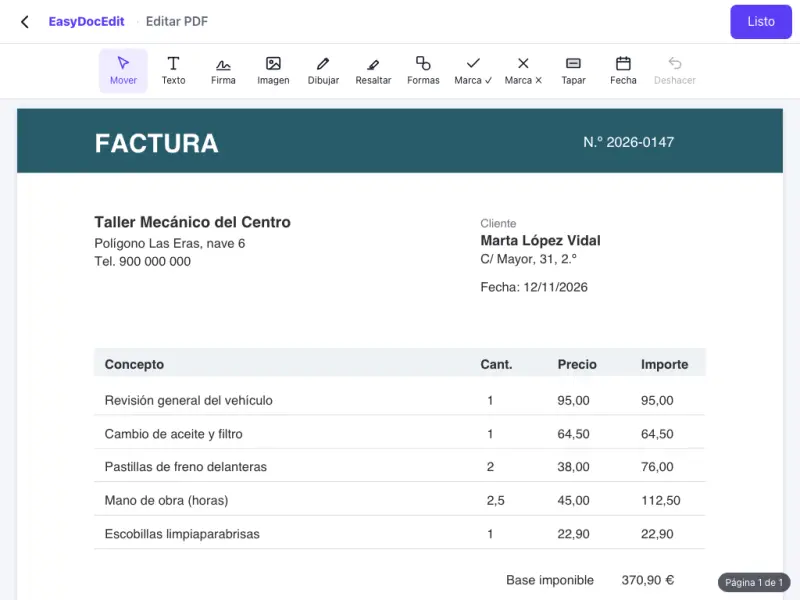
Nothing to install
Everything works in your browser. No software or app to download.
Add text, images and your signature. Nothing to install.
Up to 50 MB
By uploading a file you agree to the Terms and the Privacy Policy.
Upload your PDF from your phone or computer.
Add text, images, marks or your signature wherever you need them.
Tap «Done» and download your document.
Everything works in your browser. No software or app to download.
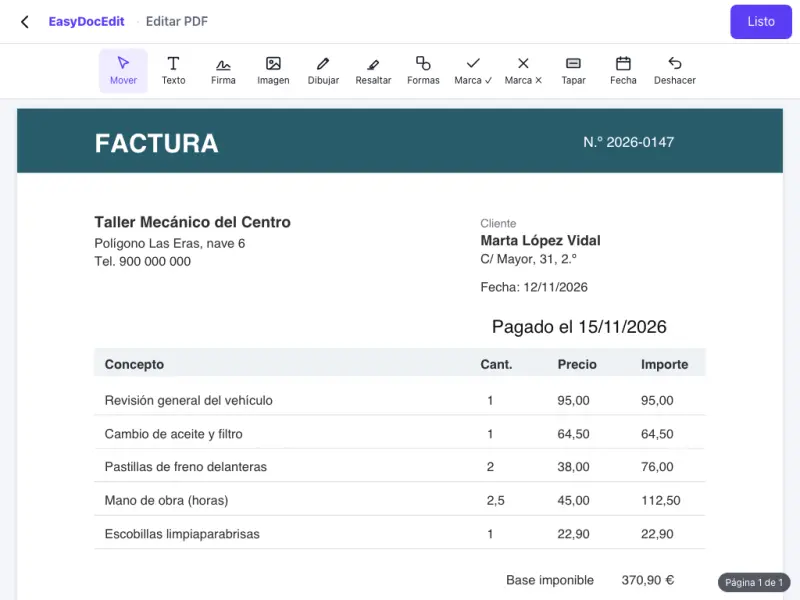
Click anywhere on the page and start typing. Change the font, size and colour.
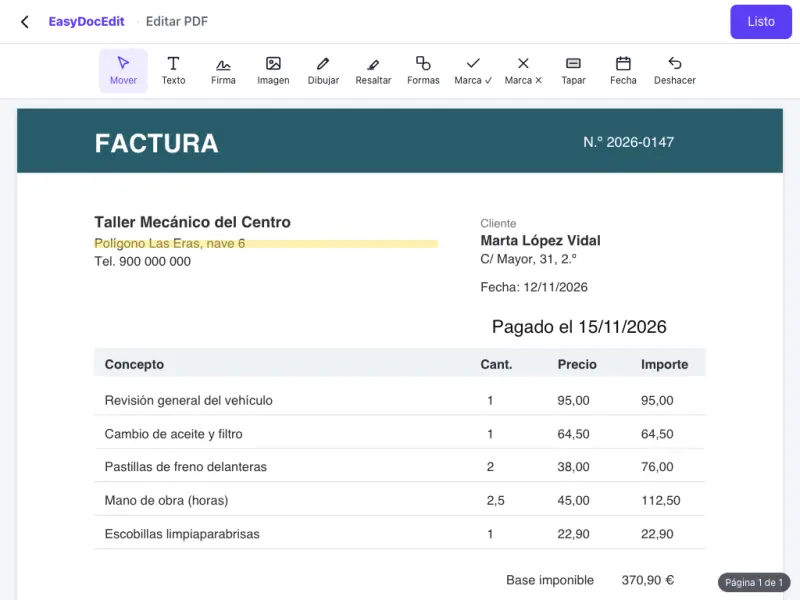
Hide an area with a white box and type the right details on top.
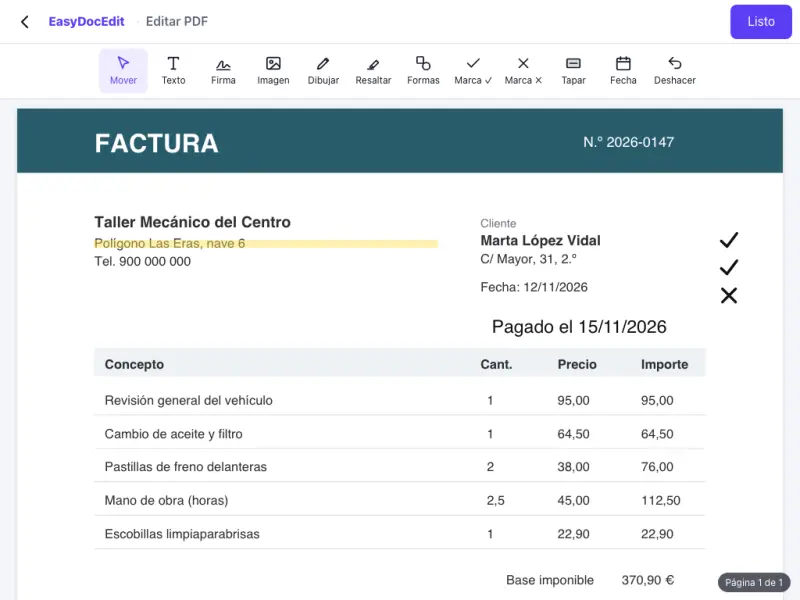
Add a logo or a photo, highlight sentences and tick ✓ or cross ✗ whatever you need.
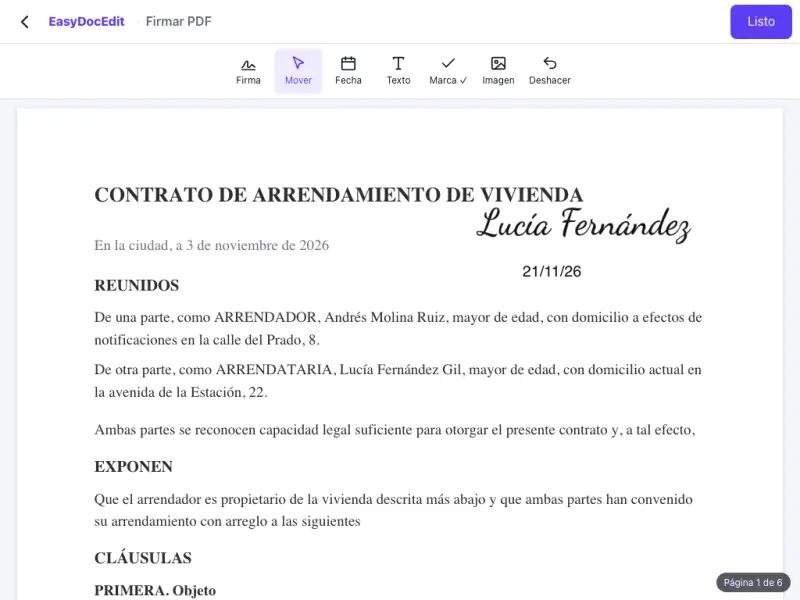
Type it, draw it with your finger or mouse, or upload an image, and place it where it belongs.
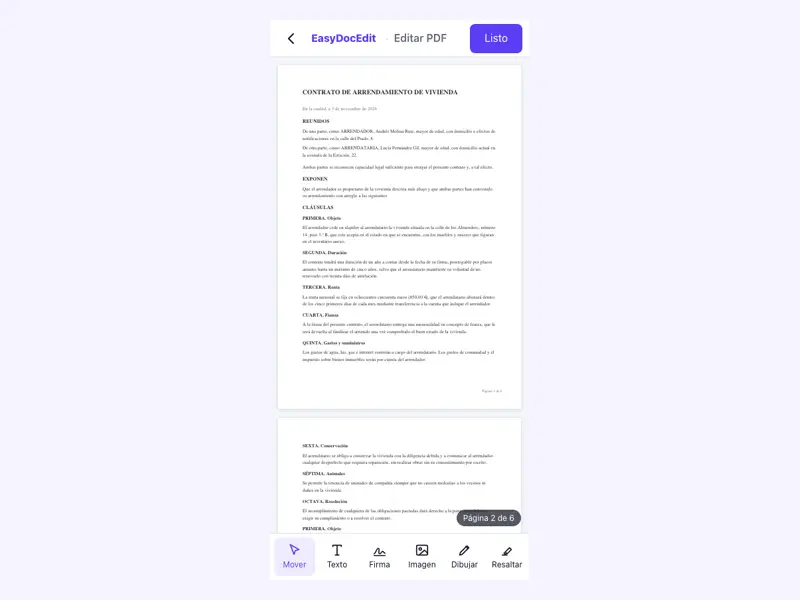
Your changes are saved in your browser. If you reload the page, they are still there.
Up to 50 MB
You can cover a word or a sentence with a white box and type the new text on top. What the editor does not do is change the original text letter by letter.
No. The editor works in the browser on your phone, tablet or computer.
While you edit, the document stays in your browser. When you download it, we keep a private copy for a limited time and then delete it. The time limits are in the Privacy Policy.
Up to 50 MB per file.
As a PDF, or as a JPG or PNG image if you prefer.
Your work stays saved in that browser. Open the page again and carry on where you left off.