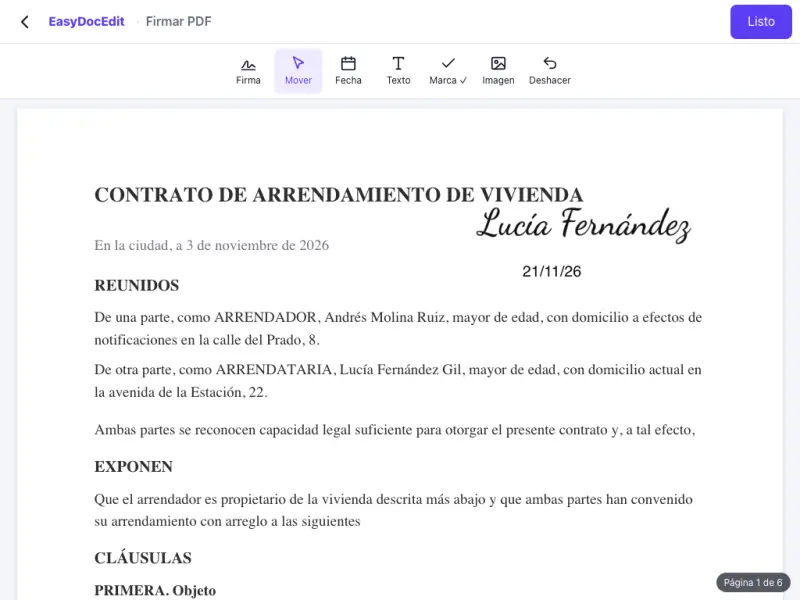
Signed in minutes
No printing, no scanning and no hunting for a pen.
Upload the document as a PDF, create your signature and put it in place.
Up to 50 MB
By uploading a file you agree to the Terms and the Privacy Policy.
Upload the document as a PDF.
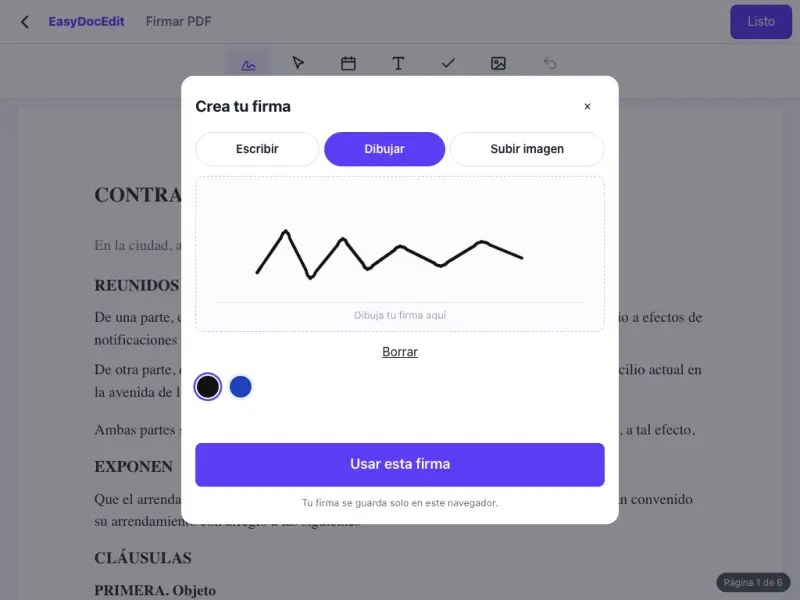
Create your signature and add the date if needed.
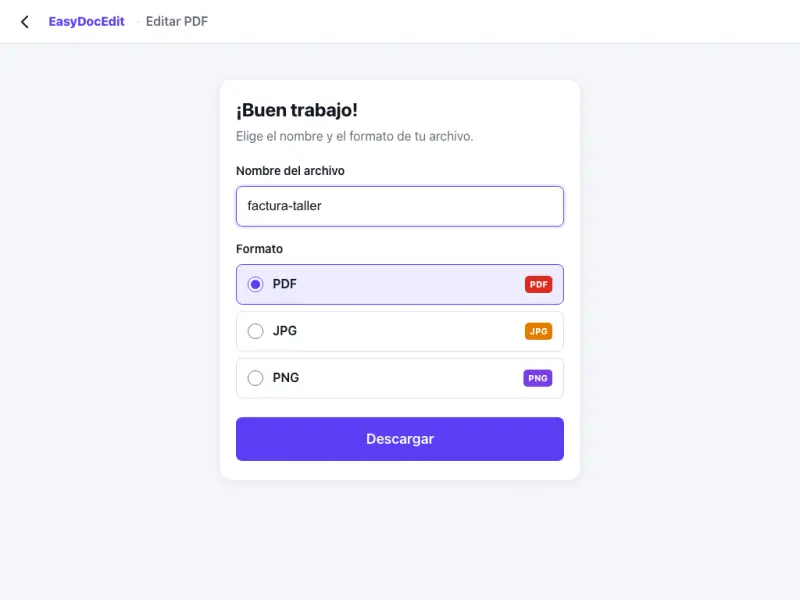
Tap «Done» and download the signed document.
No printing, no scanning and no hunting for a pen.
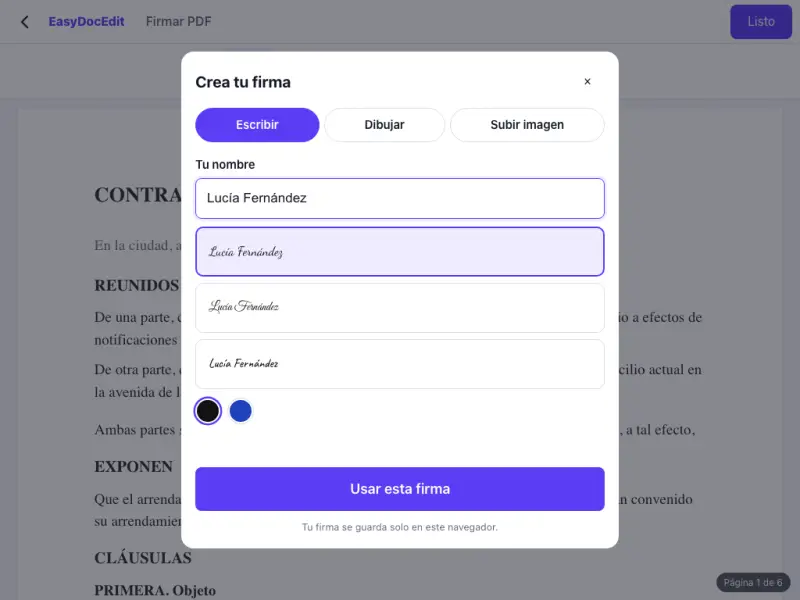
Choose whichever way of creating your signature suits you best.
Move the signature to the exact spot and change its size.
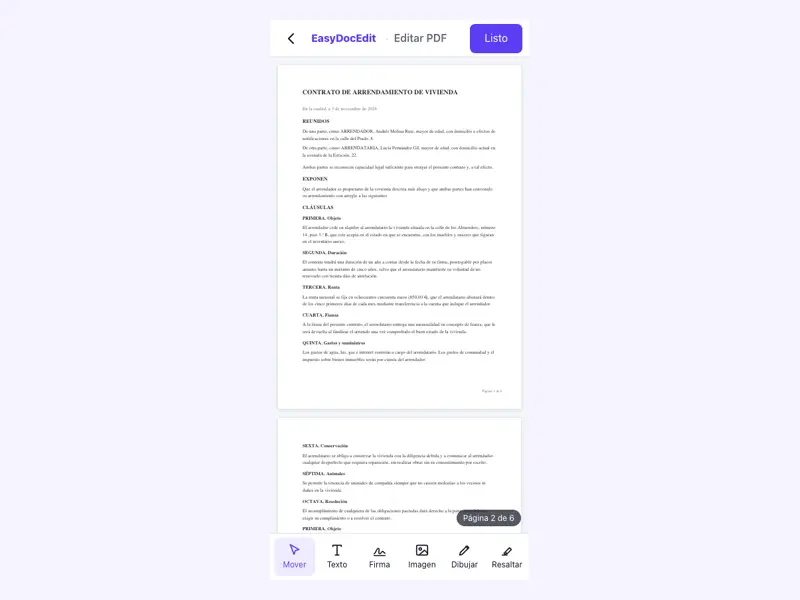
Type your name, the date or any detail the document asks for.
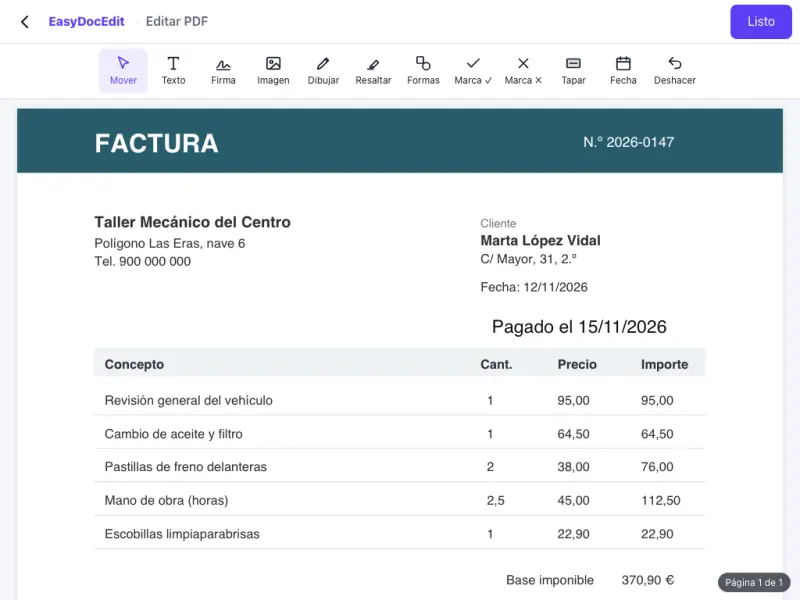
On your phone, tablet or computer, in the browser you already use.
It is saved only in your browser for next time, not on our servers.
Up to 50 MB
No. It is a simple electronic signature: your typed, drawn or image signature on the document. It is not a certificate-based digital signature, such as a qualified signature or a government digital ID. For procedures that require a certificate, use that organisation's official tool.
Any PDF document. If your document is in another format, save it as a PDF first. To find out whether a document accepts a simple electronic signature, ask whoever needs it.
Yes. Save the PDF to your phone or computer, upload it here, sign it and download the signed copy to send back.
No. This tool is for signing your own document yourself.
Only in your browser. It is not stored on our servers.
Up to 50 MB per file.