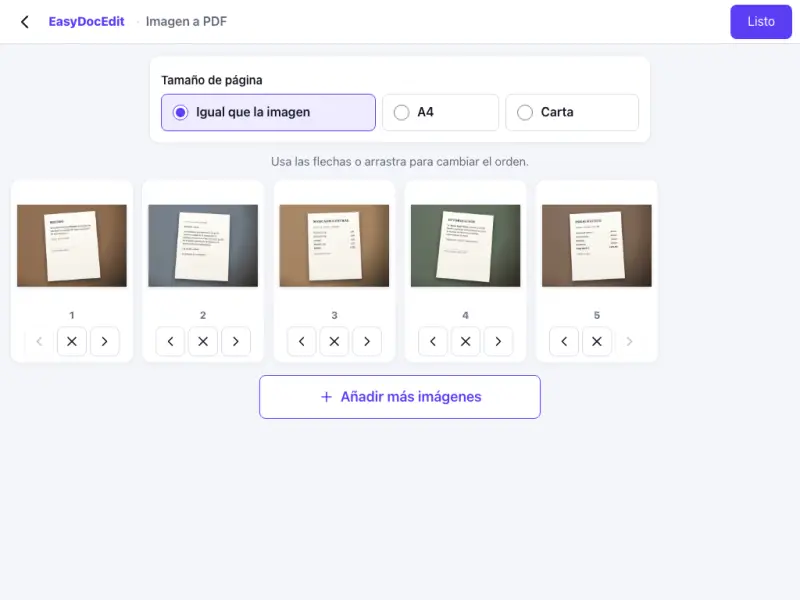
Photos from your phone
Use the photos on your phone, iPhone ones included, and turn them into a PDF.
Combine your JPG or PNG photos into one PDF, in the order you want.
Up to 50 MB
By uploading a file you agree to the Terms and the Privacy Policy.
Upload your photos or images.
Put them in order and rotate them if needed.
Tap «Done» and download your PDF.
Use the photos on your phone, iPhone ones included, and turn them into a PDF.
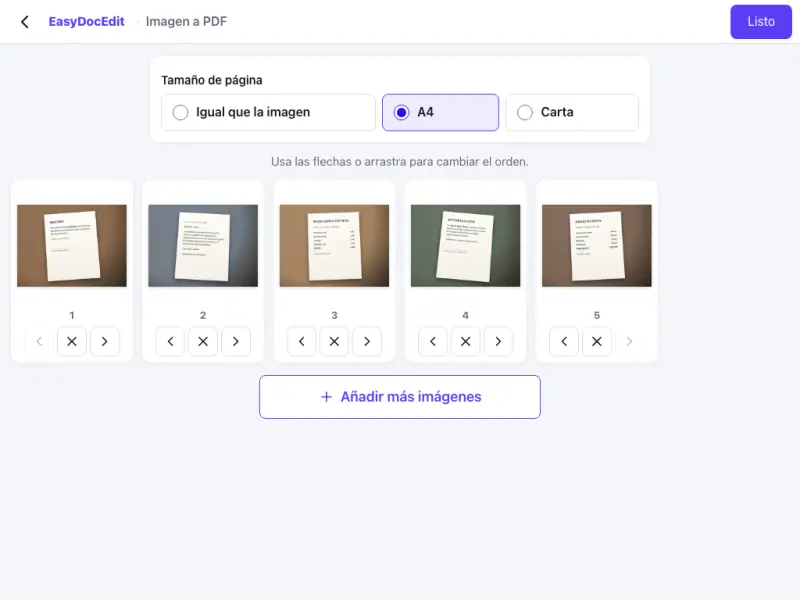
Each image takes up one page of the document.

Drag the images to arrange them however you like.
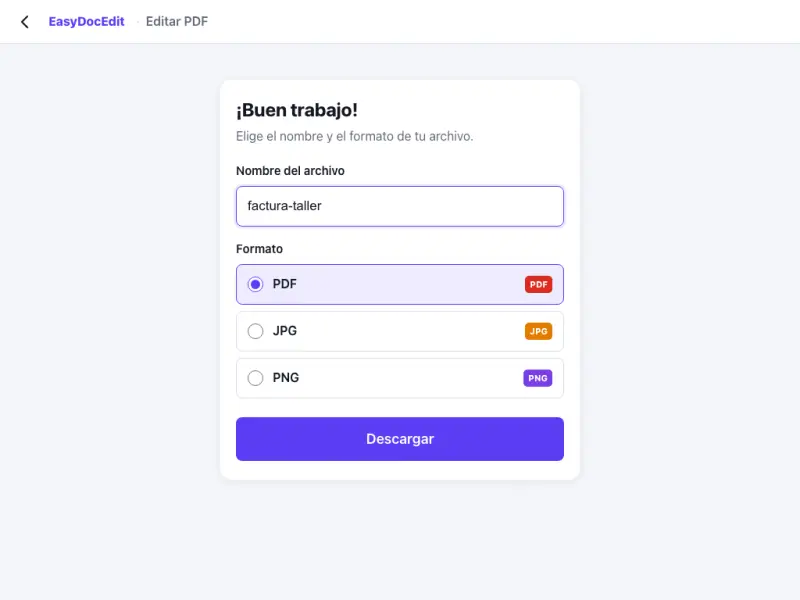
Straighten each photo before creating the PDF.
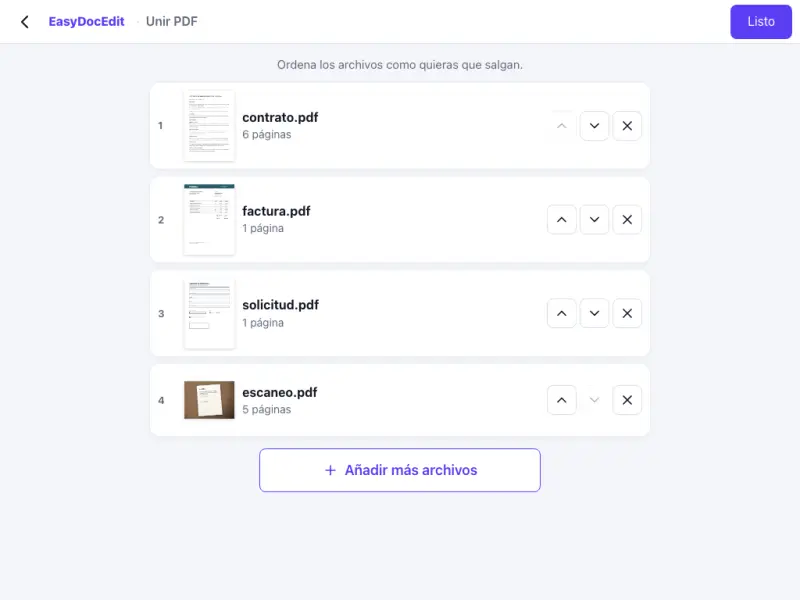
Accepts JPG, PNG, WEBP and HEIC.
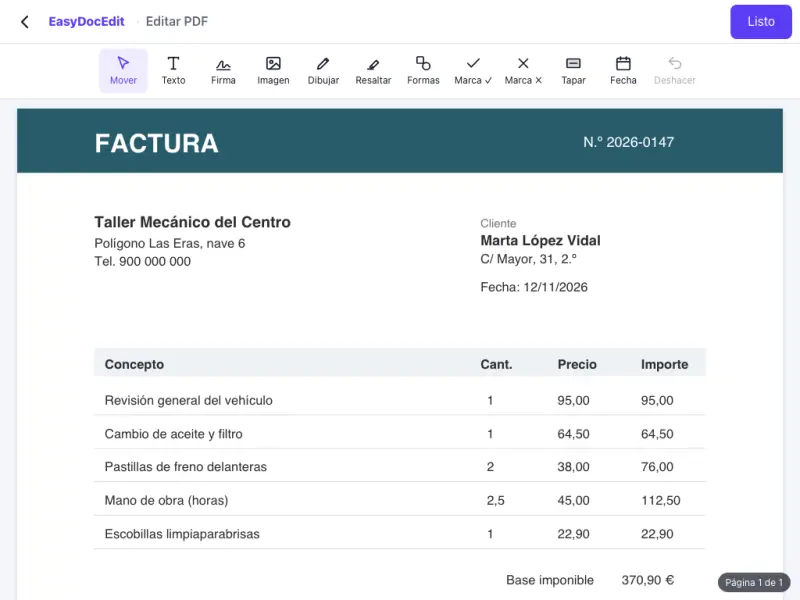
Works in the browser on your phone and computer.
Up to 50 MB
JPG, PNG, WEBP and HEIC, the format used for iPhone photos.
Yes. Upload all the photos and each one will go on its own page, in the order you choose.
Yes. Take a photo of the document, upload it and download it as a PDF.
No. The images are placed in the PDF at the same quality you upload them.
Up to 50 MB per file.