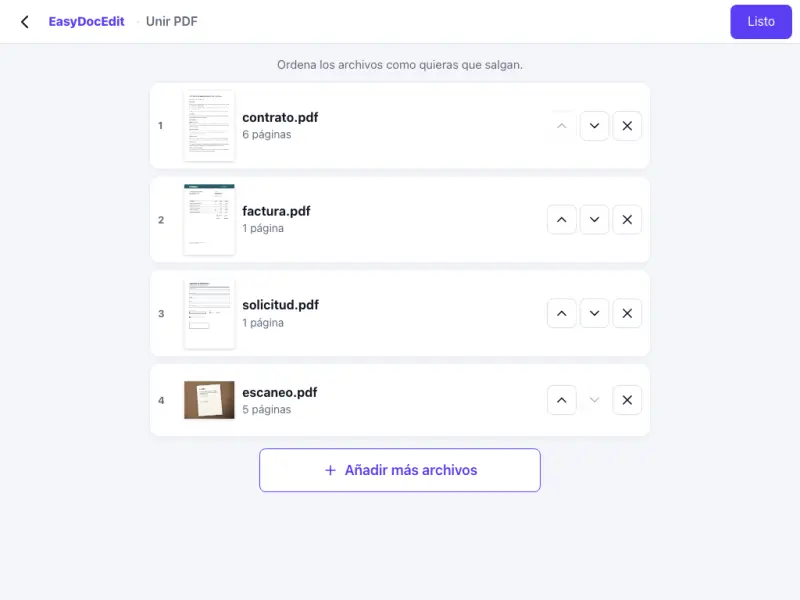
Several PDFs at once
Upload all your files in one go and combine them into a single document.
Combine several PDF files and put them in the order you want. Nothing to install.
Up to 50 MB
By uploading a file you agree to the Terms and the Privacy Policy.
Upload the PDFs you want to merge.
Drag the files and pages into order.
Tap «Done» and download a single PDF.
Upload all your files in one go and combine them into a single document.
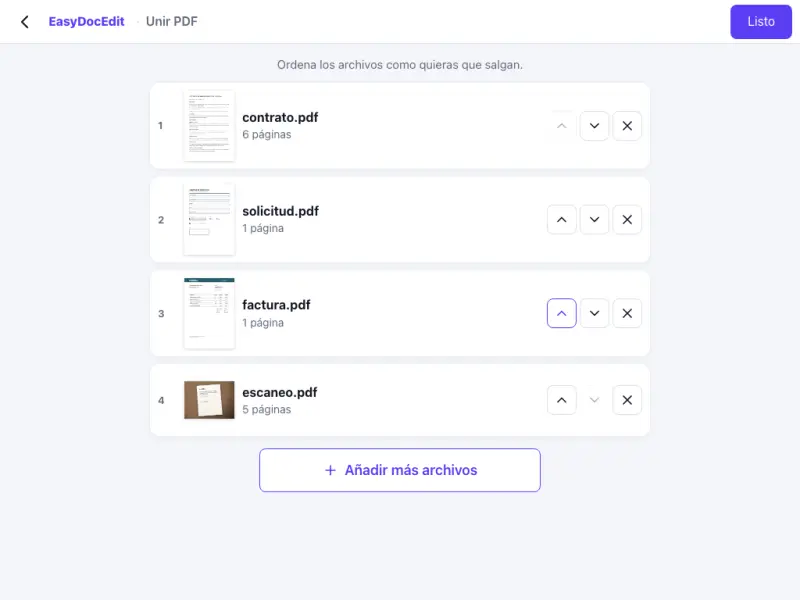
Drag files and pages around until they are just how you want them.
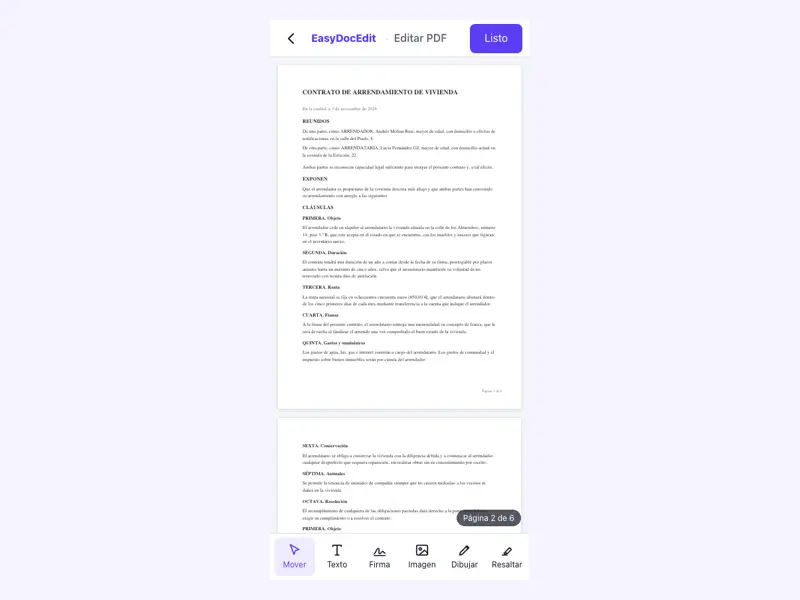
Before merging, delete or rotate any pages that are not right.
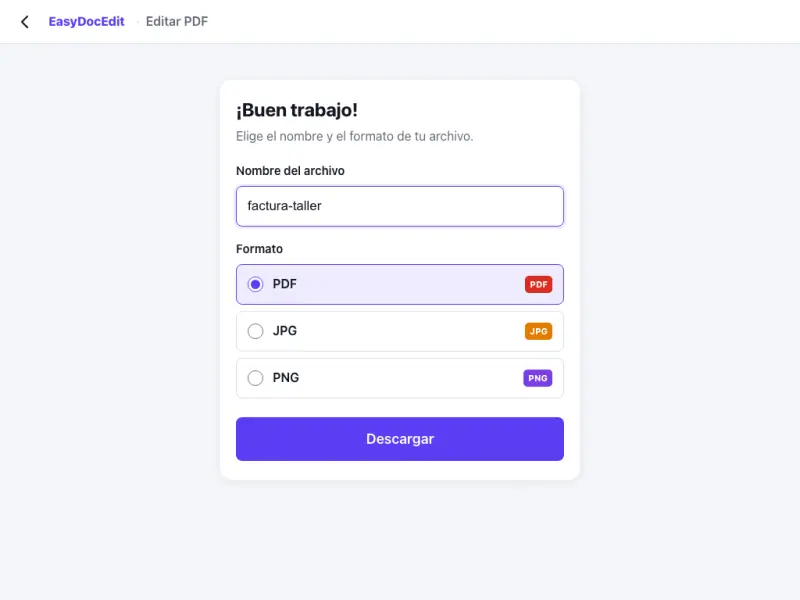
Everything happens in your browser, with no software.
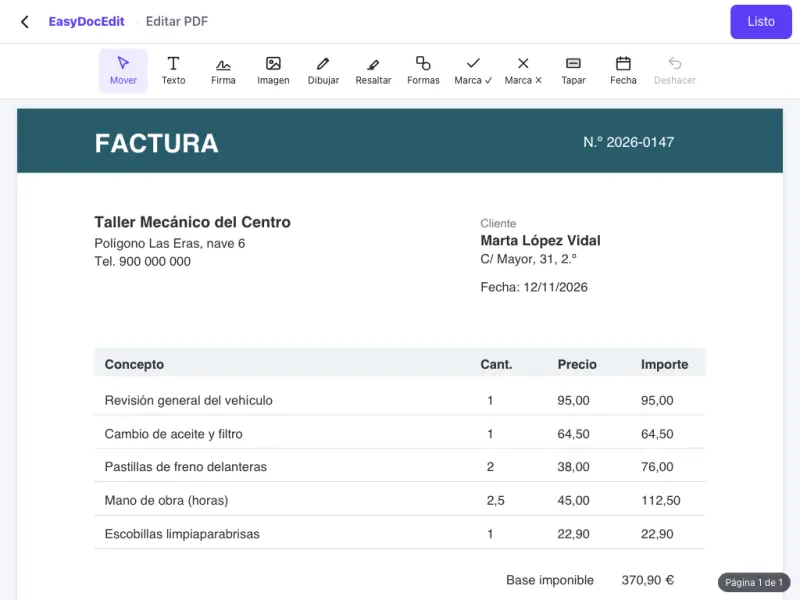
Your files are combined on your own device while you work.
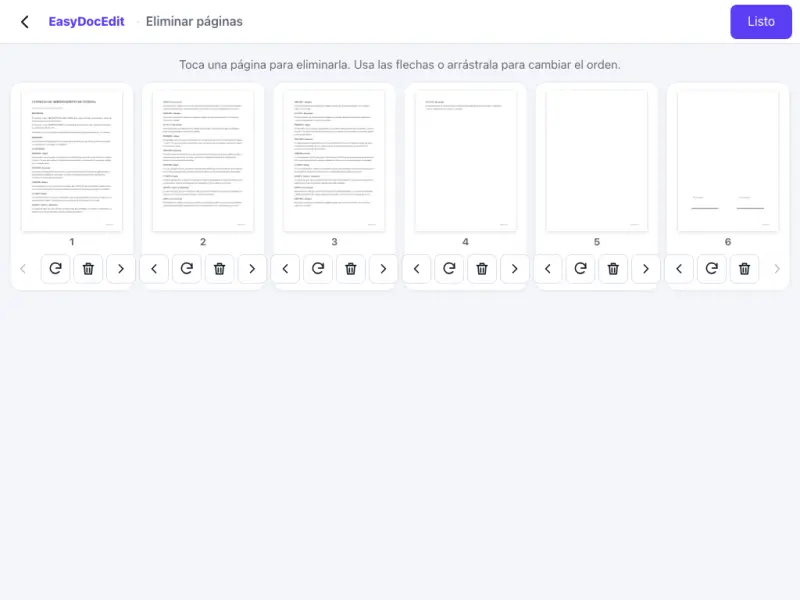
Merge the PDFs on your phone without moving them to a computer.
Up to 50 MB
As many as you need, as long as each file is no larger than 50 MB.
Yes. You will see every page as a thumbnail and can drag them into any order.
No. The pages are combined exactly as they are in the original files.
To turn photos into a PDF, use the JPG to PDF tool. You can then merge that PDF with the others.
No. It works in the browser on your phone and computer.