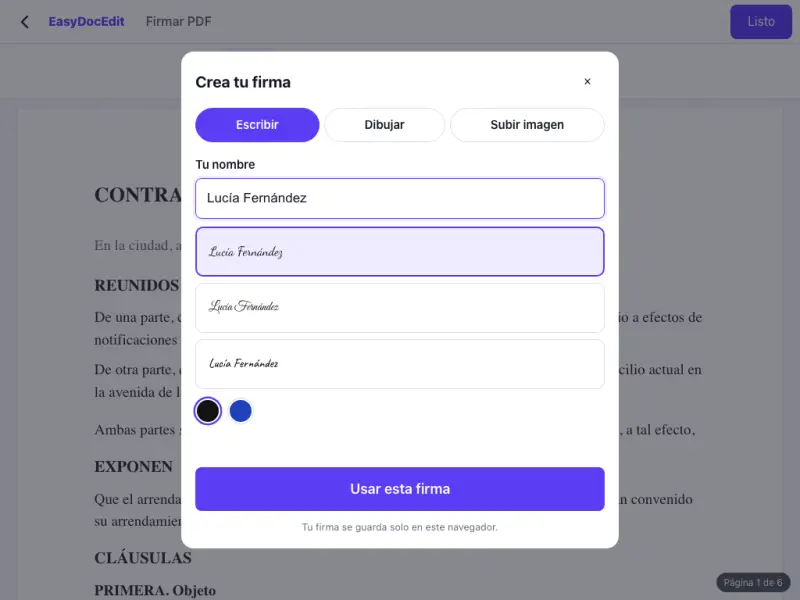
Three ways to sign
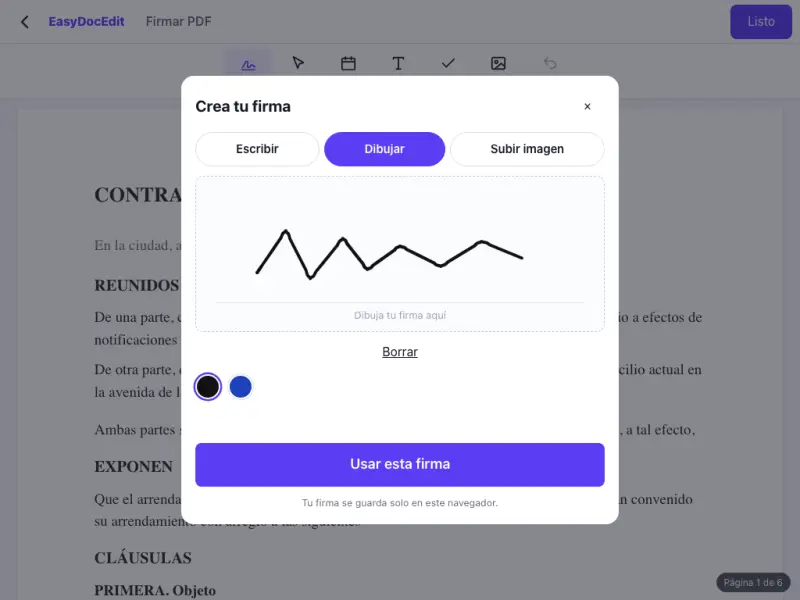
Type your name, draw your signature with your finger or mouse, or upload a photo of your signature.
Create your signature and add it to the document. No printing or scanning.
Up to 50 MB
By uploading a file you agree to the Terms and the Privacy Policy.
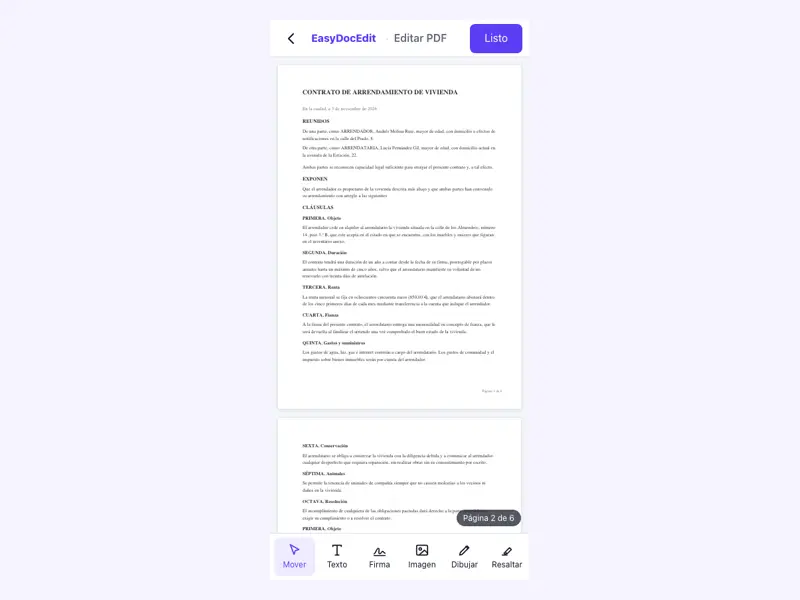
Upload the PDF you need to sign.
Create your signature: type it, draw it or upload an image.
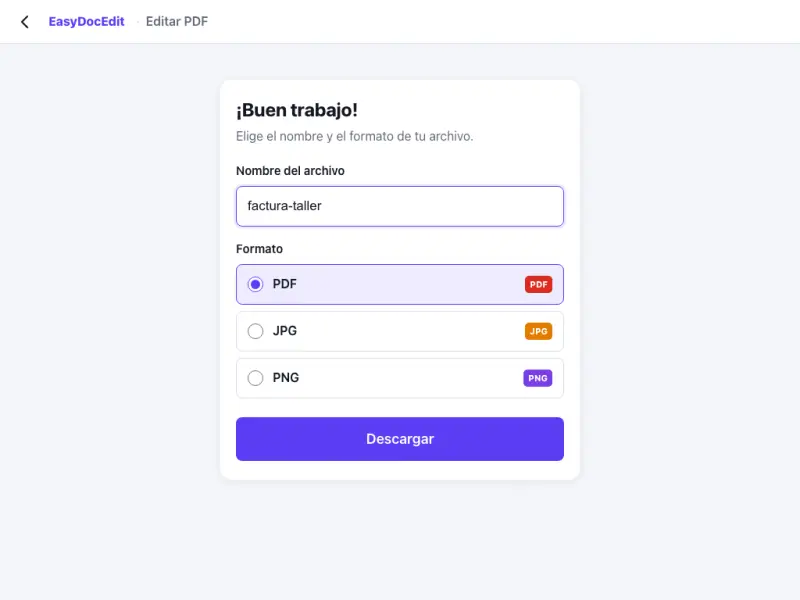
Put it in place, tap «Done» and download the signed document.
Type your name, draw your signature with your finger or mouse, or upload a photo of your signature.
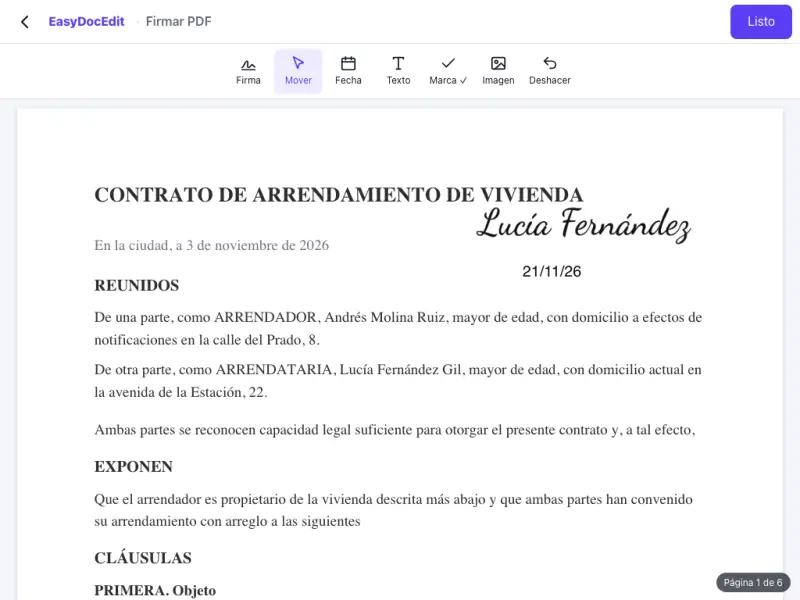
Drag the signature into place and adjust the size until it looks right.
No need to print, sign by hand and scan it again.
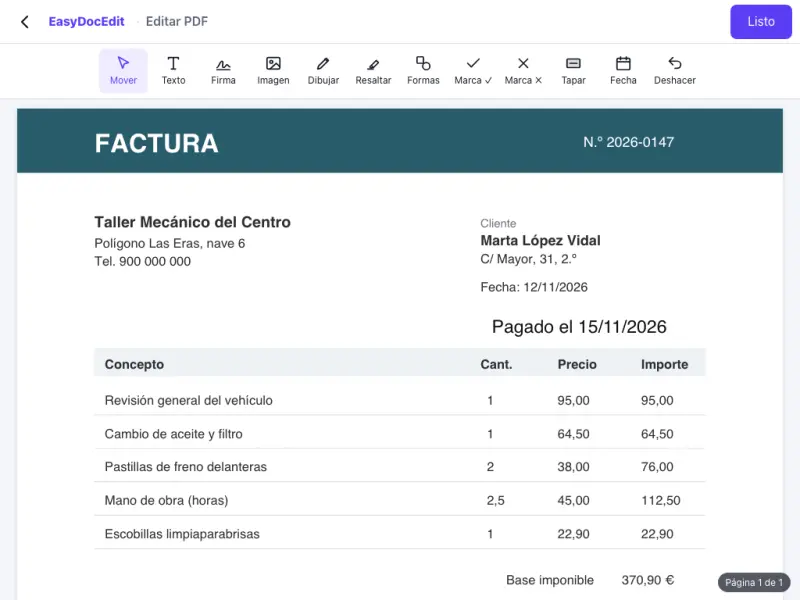
Add the date, your initials or any text the document asks for.
The signature is saved only in your browser for next time. We do not store it on our servers.
Sign with your finger right on your phone screen.
Up to 50 MB
No. It is a simple electronic signature: your typed, drawn or image signature placed on the document. It is not a certificate-based digital signature, such as a qualified signature issued by a certification authority or a government digital ID. If a procedure requires a certificate-based signature, you need to use that organisation's official tool.
For documents where your signature on the page is enough, such as authorisations, forms, quotes or private agreements. If in doubt, ask whoever needs the document whether they accept a simple electronic signature. It is not suitable for documents that require a notary or a certificate-based signature.
You have three options: type your name and choose a lettering style, draw it with your finger or mouse, or upload a photo of your signature on paper.
Yes. Draw your signature with your finger on the screen and place it on the document.
Only in your browser, so you do not have to create it again. It is not stored on our servers.
Yes. You can place your signature as many times as needed and add the date or your initials.