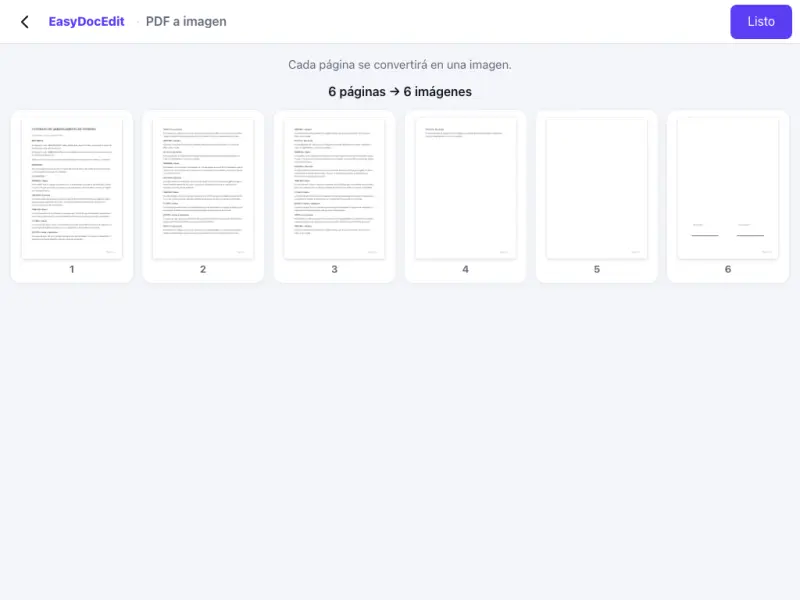
One image per page
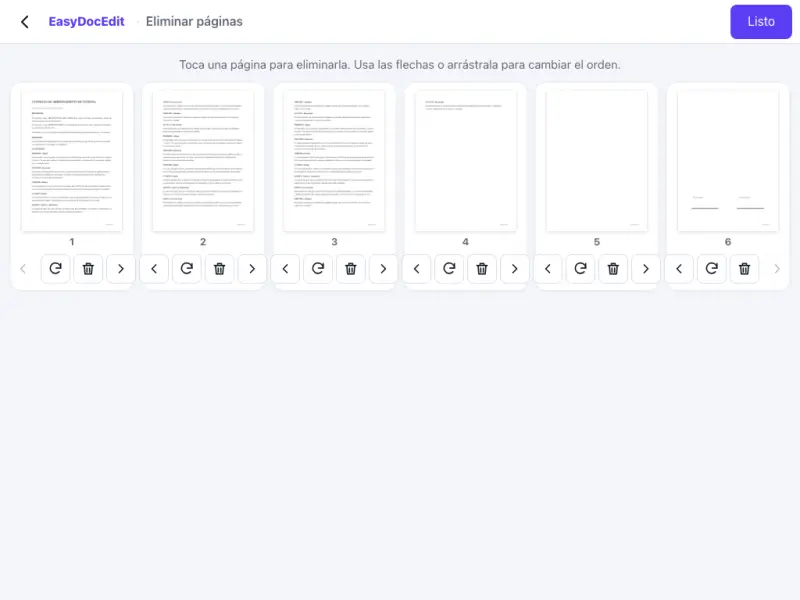
Every page of the PDF becomes its own image.
Every page of your PDF, turned into a JPG or PNG image.
Up to 50 MB
By uploading a file you agree to the Terms and the Privacy Policy.
Upload your PDF.
Choose whether you want JPG or PNG images.
Tap «Done» and download your images.
Every page of the PDF becomes its own image.
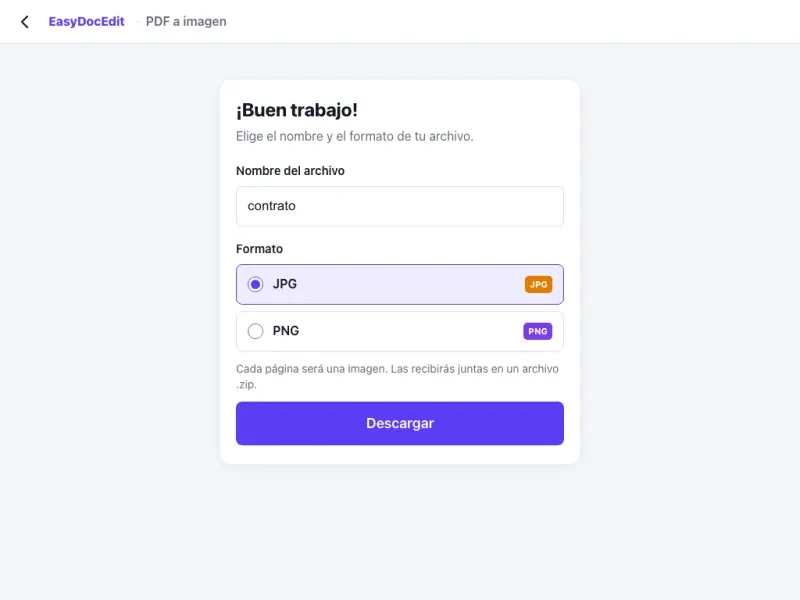
Choose JPG for smaller files or PNG for maximum sharpness.
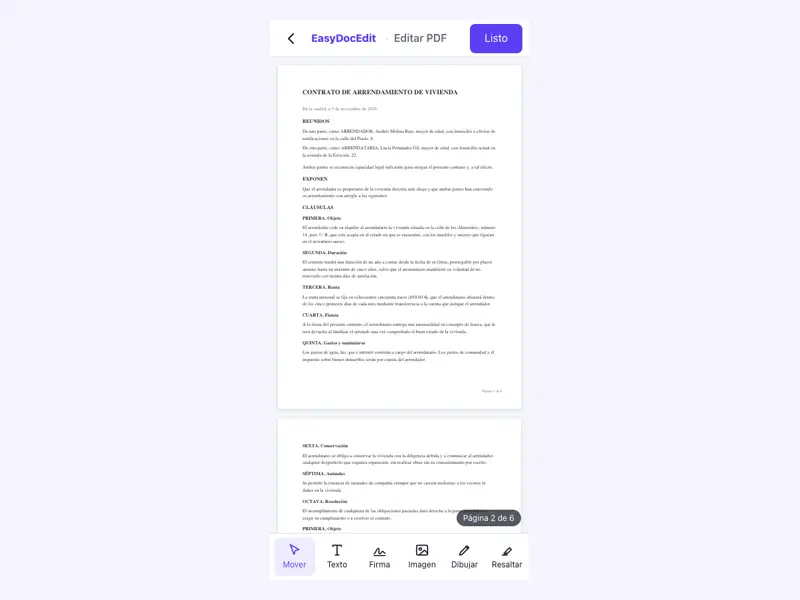
Send the images in a message or upload them where PDFs are not accepted.
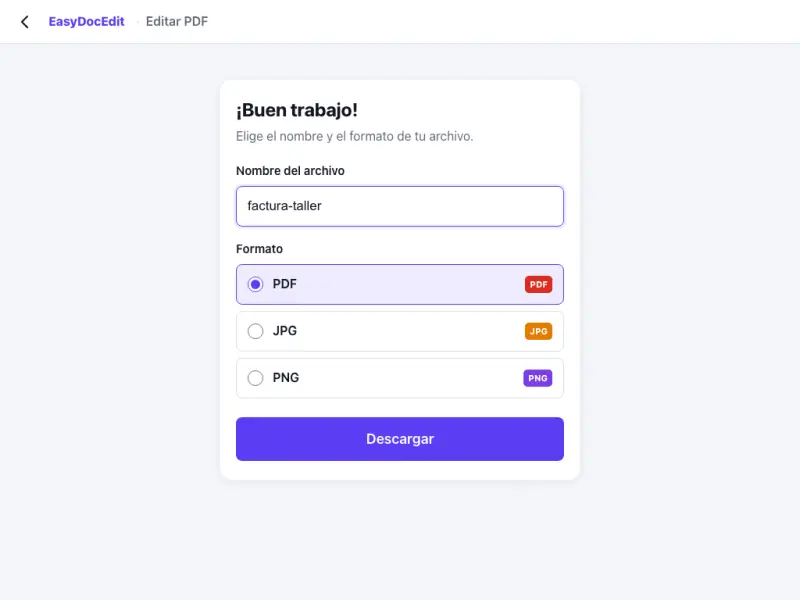
Convert the whole document without going page by page.
The conversion happens on your own device.
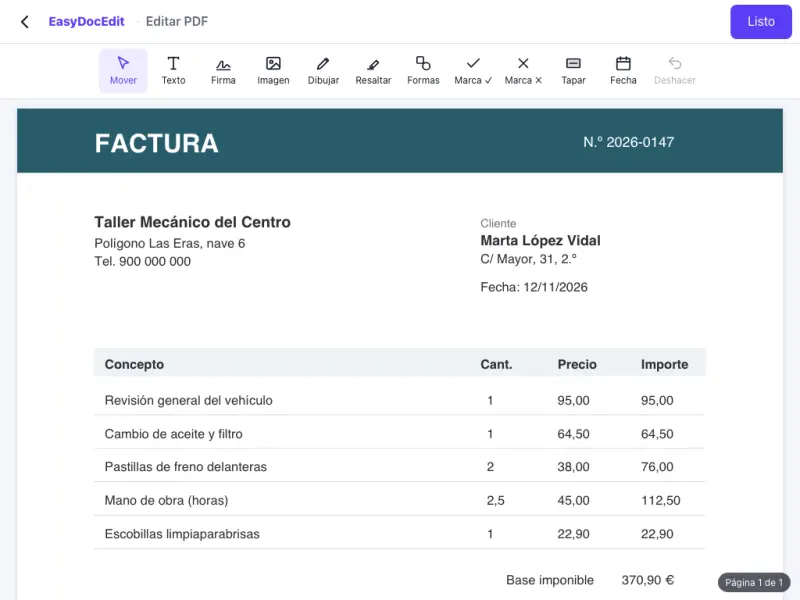
On your phone, tablet or computer.
Up to 50 MB
JPG is smaller and good for sending. PNG keeps more sharpness, better for small text or graphics.
Every page in the document, as long as the PDF is no larger than 50 MB.
Each page comes out as a separate image, numbered in order.
Yes. Each page is converted at a good resolution so the text is readable.
Up to 50 MB per file.